Animate photos privately in your browser
Wobbleverse is a private image editing and animation service. Every operation runs locally on your computer, in your browser. Your photos are never uploaded to servers for processing.
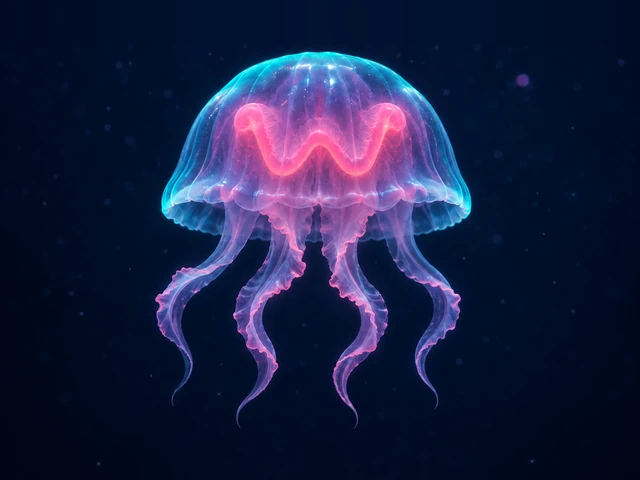
Animate selected parts of a still image. For example, you can make a jellyfish’s tentacles sway while keeping the background still.
From photo to video
- Open a PNG, JPEG, WebP or GIF using «Открыть». To try a sample, select Wobblina from Project Examples «Примеры проектов» in the toolbar.
- Draw a region over the part of the image you want to animate. Refine its outline and position the motion center.
- Choose Spring «Пружина», Presets «Пресеты» or Effects «Эффекты». In Preview «Просмотр», drag the image or turn on automatic motion.
- Click Export, choose a file type in the right panel, then save an APNG, WebP or AVIF animation, a WebM video, a PNG frame or an editable WOB project.
Where are my images stored?
The editor processes images in your browser and keeps autosaved projects in its local library. Download a WOB file to move a project to another browser.
What else can you do with an image?
Refine the outline and motion center, add several regions with separate settings, crop or resize the image. Retouching, the Warp brush and background removal help you prepare the photo.
Frequently asked questions
Are my images uploaded to a server?
Your images stay on your computer. Editing, animation and export preparation happen locally in your browser, without sending your photos to servers for processing.
How do I move only the part I select?
Place a region inside the detail you want to animate and refine its outline. The motion comes from deforming that region. Draw two separate regions to give two details independent settings.
Which export formats are available?
APNG saves lossless animation with transparency. Animated WebP supports lossy and lossless modes, and Animated AVIF supports 8-bit SDR with transparency. Duration, FPS, size and looping are configurable for these formats; audio is not included. Video exports are five-second WebM clips without sound. PNG saves the current still frame, while WOB saves an editable project containing the image and its regions.
How can I continue on another device?
Download a WOB project from Export, then open that file in the editor on the other device.